



Your Microsoft Teams intranet: the same company intranet, now inside Teams
A Teams intranet doesn't replace your intranet, it opens it right where your team already works. Involv adds your existing intranet as a tab inside Microsoft Teams, so employees open it the same way they open chat or a channel. No separate site to remember, no second login: news, people and information show up right where the conversation already happens.
Trusted by 300+ organizations worldwide, including








What is a Microsoft Teams intranet?
A Microsoft Teams intranet is a company intranet that opens as a tab inside Microsoft Teams, right next to chat and channels, so employees can reach news, people and resources without leaving the app they already use all day. Involv adds that tab on top of your existing intranet, with no separate platform to maintain.
Why does your intranet lose to Teams, email and chat?
Knowledge workers spend nearly three hours a day searching for information and switching between systems, according to the Coveo EX Relevance Report 2025. If your intranet lives in its own separate tab, it's usually the first place people stop checking.
Information is spread across too many places
SharePoint, a Teams channel, a shared drive, an old email thread. Nobody quite knows where the current version lives.
One intranet, opened right inside Teams
News, people and documents live in one place, surfaced as a tab employees already have open all day.
The intranet is the tab people forget to open
Employees log into Teams dozens of times a day and into the intranet almost never, simply because it isn't in the same place.
No second login to remember
Single sign-on through your existing Microsoft 365 account, no separate URL or password to keep track of.
Static profiles don't show who's actually free
An org chart or who's-who page shows a name and a photo, but not whether that person is actually reachable right now.
Live presence, everywhere it matters
Real-time Teams availability shows up in Who's who, Org Chart and profiles. Click a name to chat, call or email instantly.
IT ends up owning yet another integration
A custom Teams build often means a separate project to configure, secure and maintain long after go-live.
Just a tab, not a rebuild
No separate codebase to maintain: the Teams tab simply opens the same intranet your IT team already manages.
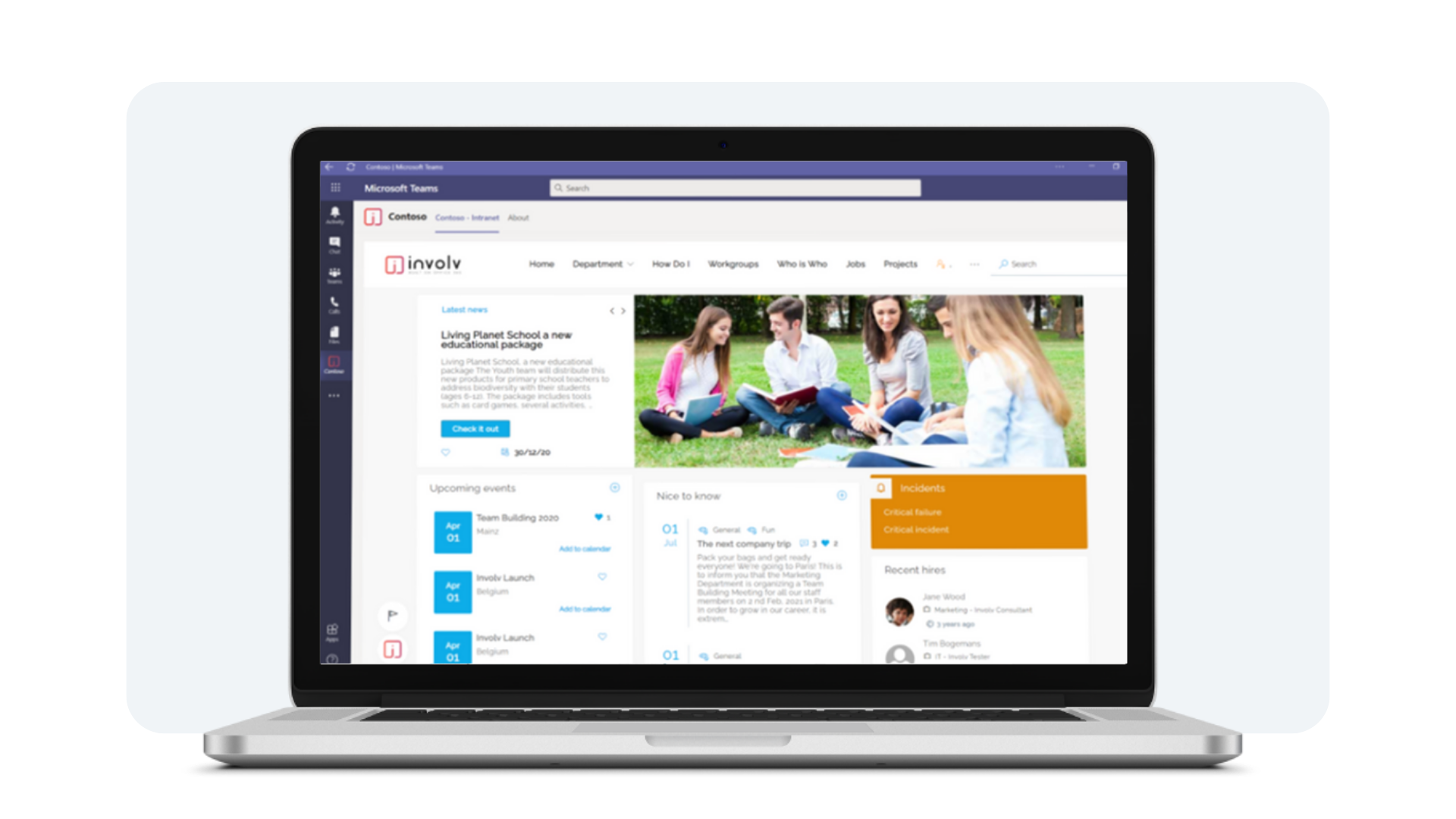
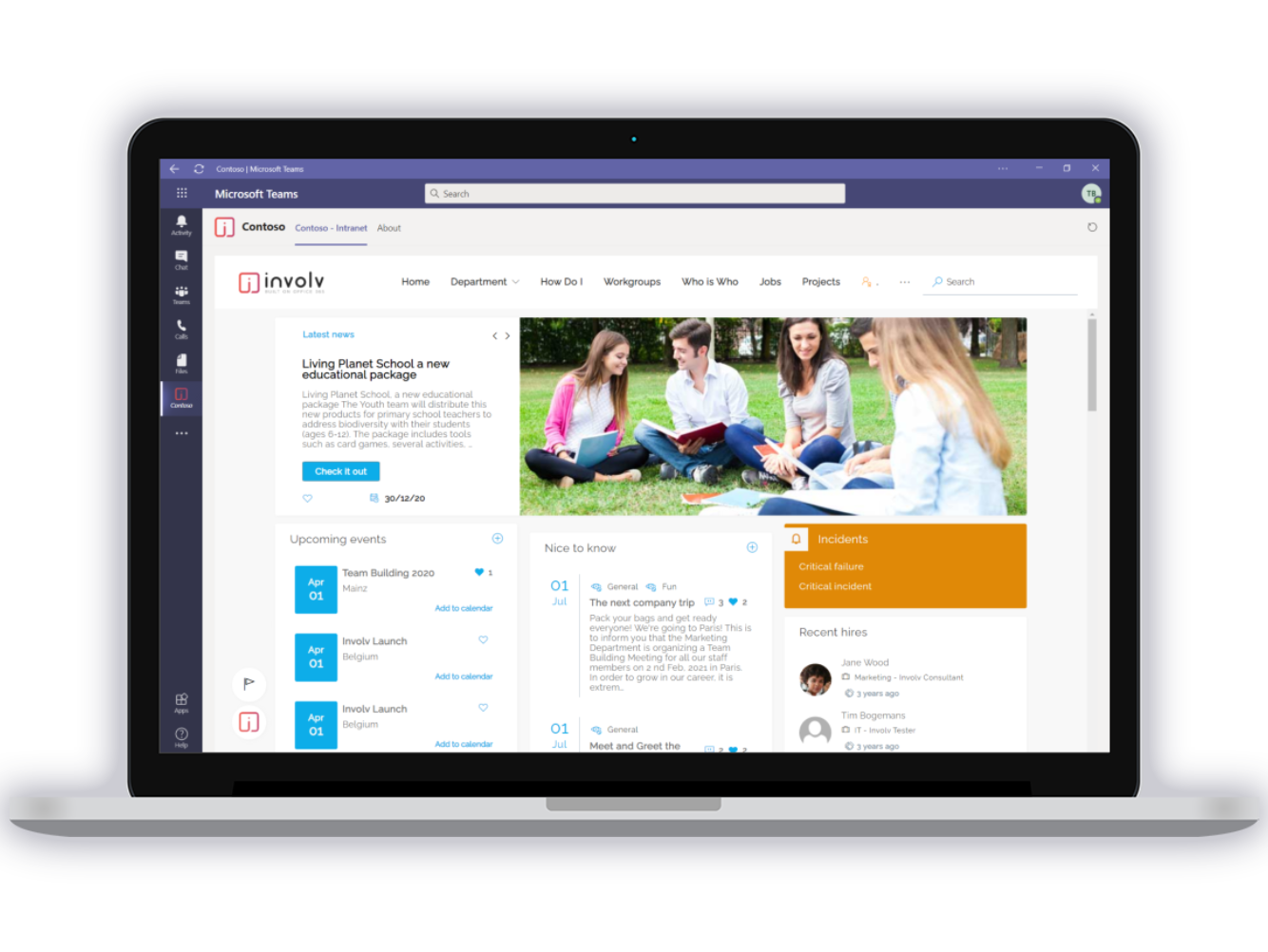
Your intranet, as a native tab inside Microsoft Teams
The Microsoft Work Trend Index 2025 found that employees already spend the majority of their working day in email, chat and meetings. Involv meets them there: your existing intranet opens as a tab inside Teams, so checking company news becomes part of the flow of the day instead of a separate errand. That's what a real Teams intranet looks like in practice.
- Opens as a tab using Microsoft's own Teams platform, no separate build
- Single sign-on through your existing Microsoft 365 account
- Same content, structure and branding as your intranet, just opened from Teams
See who's actually available, not just who exists
A traditional who's-who page tells you a colleague's name and job title. Involv goes further by pulling live Teams presence into the components people use most, so a name on screen also tells you whether that person can be reached right now.
- Live presence shown in Who's who, Birthdays, Recent hires, Org Chart and profiles
- One click starts a Teams chat, call or email, no switching apps to look up a contact
- Presence updates in real time as colleagues go online, in a meeting or away

Adding Involv to Teams doesn't add a new system to maintain
Because Involv already runs on your existing SharePoint and Microsoft 365 environment, adding it to Teams is a configuration step, not a new build: the Teams tab simply opens the intranet your IT team already knows. There's no separate Teams-only codebase to patch, test or secure after every Microsoft update.
- The Teams tab opens your existing intranet, no separate app to build
- Managed through the same admin dashboard as the rest of your intranet
- Microsoft updates to Teams are tracked and tested by Involv, not your IT team

From scattered tools to one intranet that's easy to reach
We could tell you a lot, but here's what organizations say themselves about switching to Involv.

AZ Klina: a modern intranet its own staff can manage
The hospital replaced its outdated intranet with Involv, with secure single sign-on through its existing Microsoft account and day-to-day management handled by key users themselves, without custom development.

Europabank: changes without going through IT
The bank replaced a static intranet where every change had to go through the IT department with Involv. Communication now reaches every branch directly, without waiting on a developer for routine updates.

NatureScot: an accessible intranet for hybrid working
Scotland's nature agency chose Involv within its Microsoft environment and built a digital workplace that meets statutory accessibility requirements, winning Silver at Step Two's 2023 Intranet and Digital Workplace Awards.
From hospitals to banks to government agencies, 300+ organizations worldwide have made Involv part of their daily Microsoft 365 workflow.
Answers to the questions IT teams ask us
Do we need a separate app or license for this?
No, as long as you're already an Involv intranet customer. The Teams tab simply opens your existing Involv intranet inside Microsoft Teams, so there's no separate app, license or platform to buy on top of your Involv subscription.
Do employees still need to log in separately?
No. Access runs through your existing Microsoft 365 account with single sign-on, so opening the intranet inside Teams doesn't add another password or login step.
Where does presence and profile data come from?
Presence is read directly from Microsoft Teams and shown in real time. Profile data comes from your own Microsoft 365 directory, so it stays accurate without manual upkeep.
Can employees still access the intranet through a browser too?
Yes. Adding Involv to Teams doesn't remove browser access, it adds a second, easier way in. Employees can use whichever they reach for first.
Where does our data stay?
All data stays inside your own Microsoft 365 tenant. Involv doesn't store anything outside your environment, and users and permissions are managed through your own Entra ID.
Another question? Pick a time that suits you for a no-obligation chat →
Discover Involv intranet
See how it works inside Microsoft Teams in a 30-minute demo, tailored to your own situation, with no obligations.